
100% Money Back Guarantee • 1,000+ Happy Customers
Enter the M serial number from your Ford 5000 RDS radio label and receive the unlock code by email.
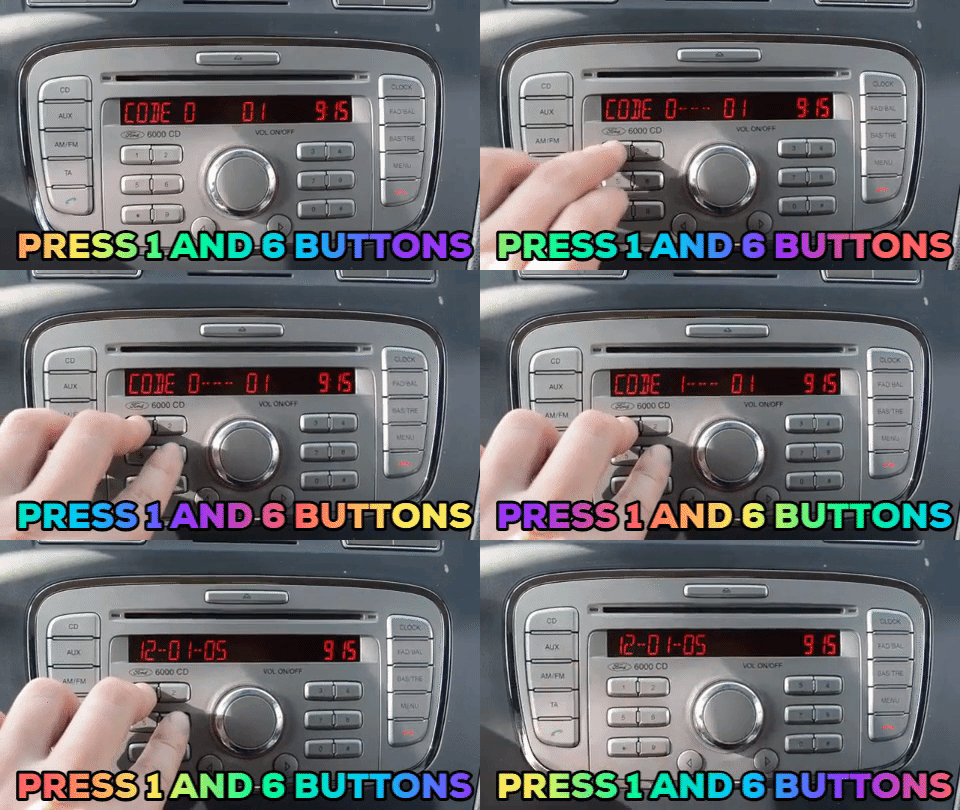
The Ford 5000 RDS radio asks for a security code after the battery is disconnected or the unit is replaced. The serial number is printed on the label on the side of the radio casing. Enter the M serial, pay securely by card and receive the unlock code by email.
All orders are checked against the Ford radio database. Payment is handled securely by card, and the code is delivered to the email address you enter at checkout. If the serial format is unclear, contact support before ordering.
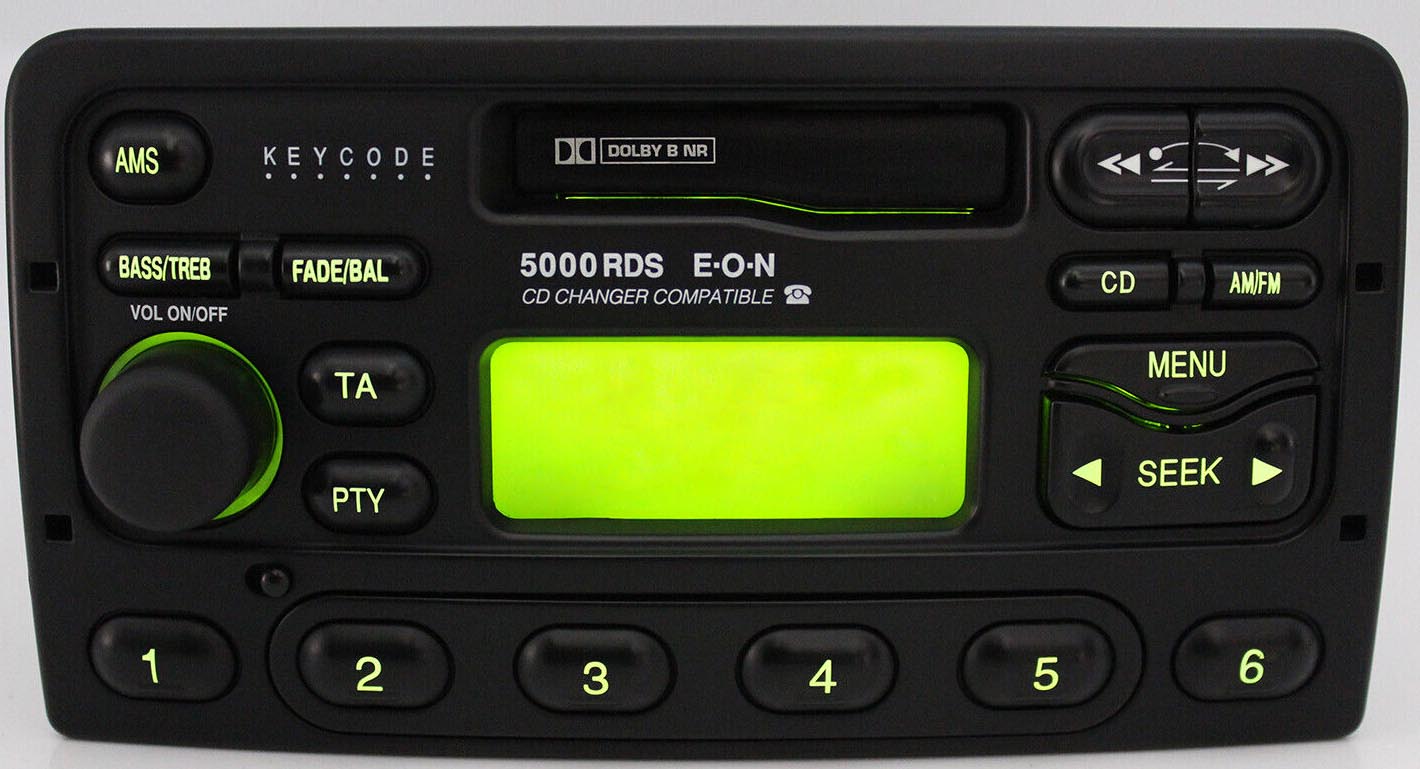
Remove the radio and find the label on the side of the casing. The serial starts with M followed by six digits, for example M123456. Enter the serial exactly as printed. Do not enter the part number or the model number from the same label.
Fiesta, Focus, Mondeo, Transit, C-Max, Galaxy, Kuga, S-Max
The serial is on the label on the side of the radio casing. The radio must be removed to see it.
The letter M followed by six digits, for example M123456.
The 5000 RDS serial is normally on the label, not on the display.
No. The code is calculated from the radio serial number.
The code is normally emailed shortly after payment.


