
100% Money Back Guarantee • 1,000+ Happy Customers
Unlock your Ford Sony MP3 radio with the serial number from the display or the label on the casing.
Ford Sony MP3 radios can request a code after a battery change, a repair or a replacement. The serial number is normally available on the radio display, but some units only show it on the label after removal. Enter the serial and we will check it against the Ford radio database.
All orders are checked against the Ford radio database. Payment is handled securely by card, and the code is delivered to the email address you enter at checkout. If the serial format is unclear, contact support before ordering.
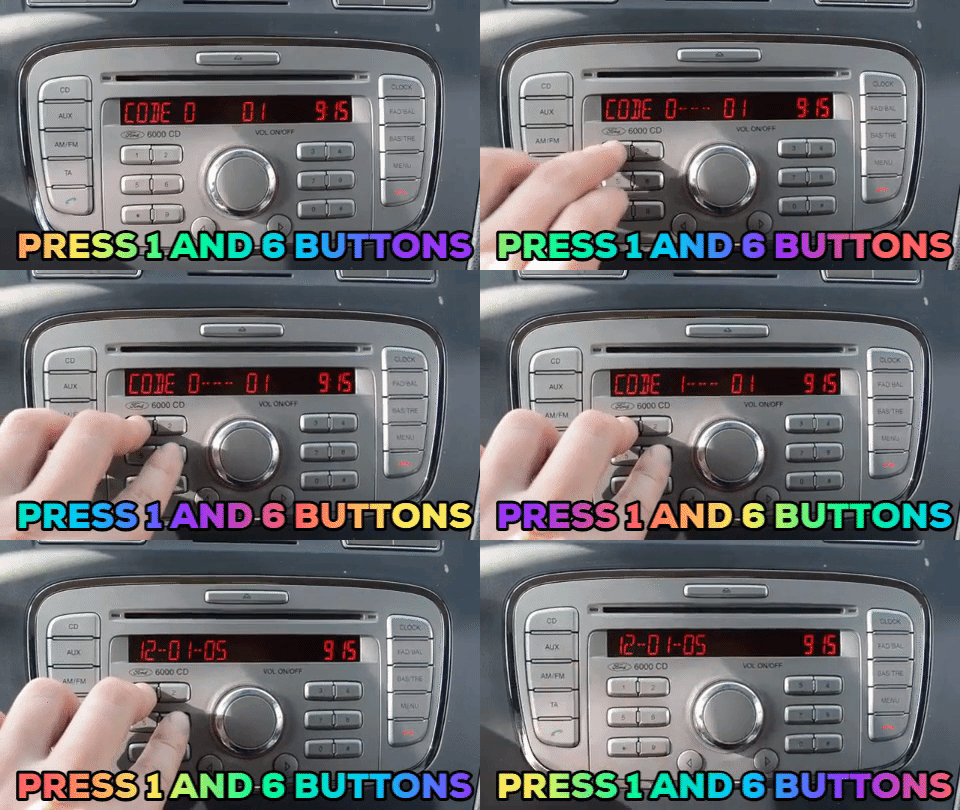
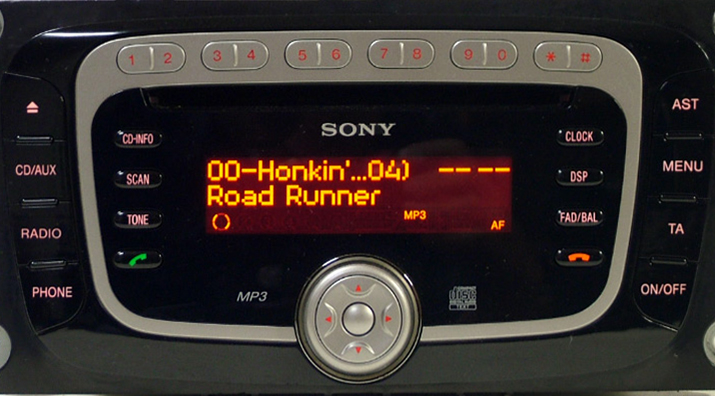
Hold the preset buttons 1 and 6 together for several seconds. The display cycles through information panes and shows the serial, usually starting with V or M followed by six digits. If the serial is not displayed, remove the radio and read the S/N from the label on the casing. A label can show a value such as SOCD6X7V055350; the radio serial inside it is V055350.
Focus, Mondeo, Fiesta, Transit, C-Max, Galaxy, Kuga, S-Max
Try holding buttons 1 and 6. If the display does not show the serial, remove the radio and read the S/N on the label.
The radio serial is the V or M part at the end, for example V055350. Enter that value.
Only if the serial number is not shown on the display.
No. The code is calculated from the radio serial number.
The code is normally emailed shortly after payment.


